
Online booking
and scheduling for professionals
who value their time
No endless messenger chats,
notebook confusion, or chaos.

New request for June 5 at 3:00 PM!

2 requests are waiting for your confirmation!

A client cancelled the June 6 booking at 10:00 AM.

3 more slots are open for today!



Forget the routine in messages
Before & After
 Requests get lost in messengers
- You have to search for free time manually
- It is hard to control the schedule
- The client can forget booking details
- The professional can miss a new message or request

 The client chooses an available slot
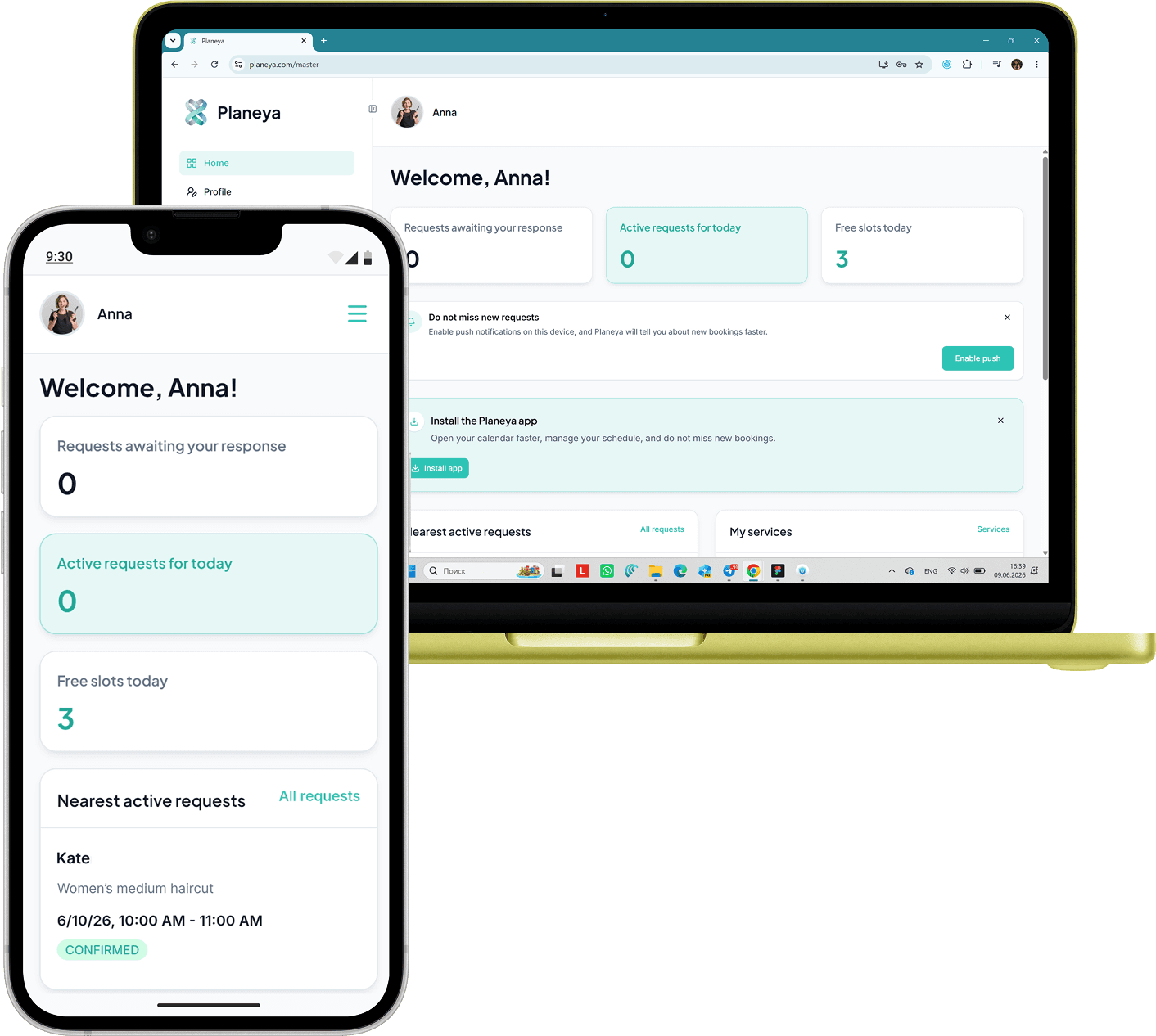
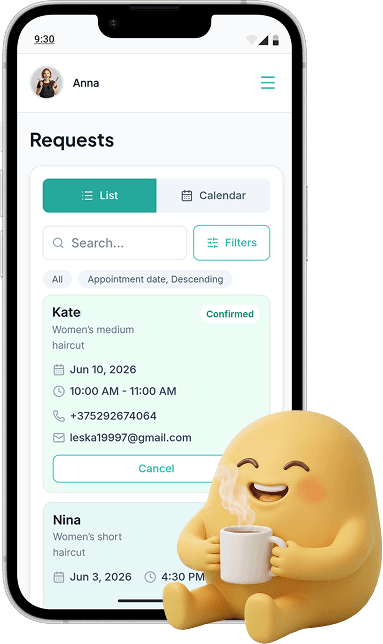
- All requests are collected in one place
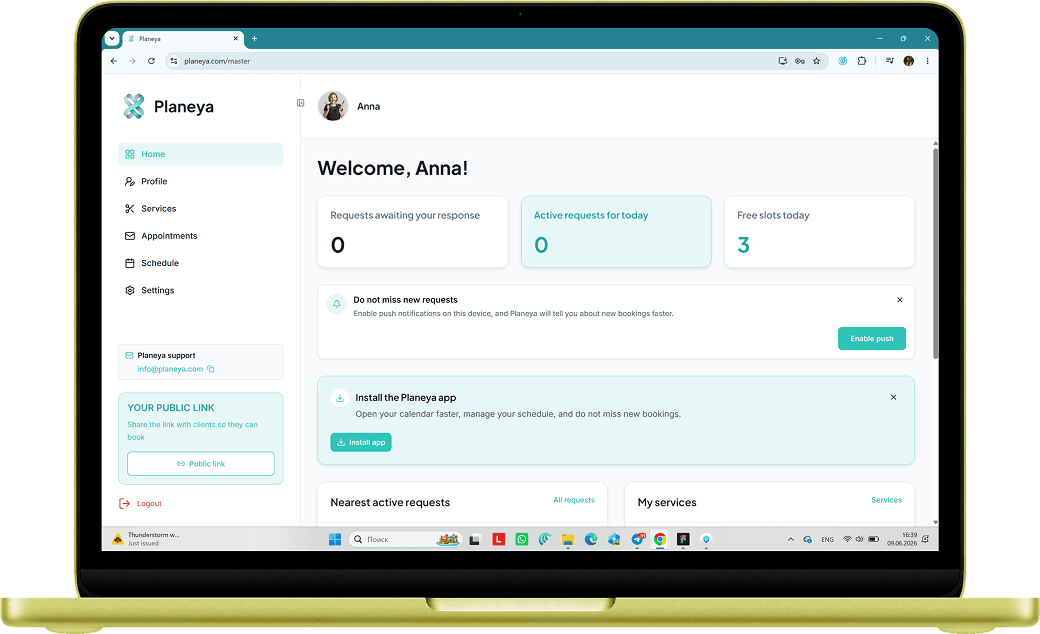
- The dashboard is available on any device
- The professional receives email and push notifications
- The client receives a status email after the professional responds


Created for independent
professionals
Beauty
professionals

Tattoo
artists

Tutors and
mentors

Massage therapists

Coaches

Other
specialists



Your personal
page for clients
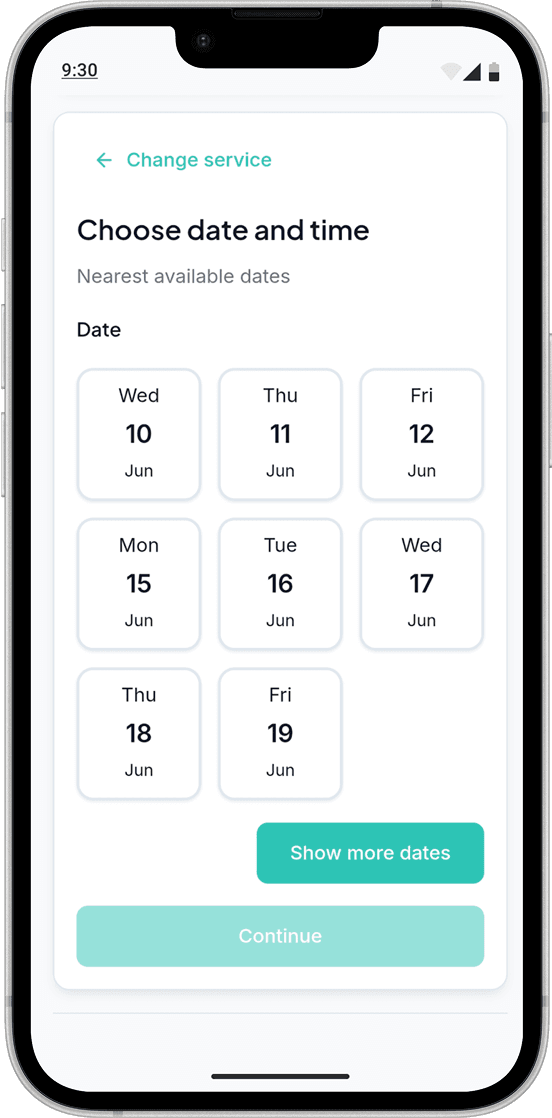
Share the link in your Instagram profile, Telegram, or send it directly. The client chooses a service and an available time, then sends a request in a few clear steps.
- Clients can open the link when convenient
- Public link for clients
- Requests collected in the dashboard
- New-request alerts for the professional
All requests and schedule
always at hand
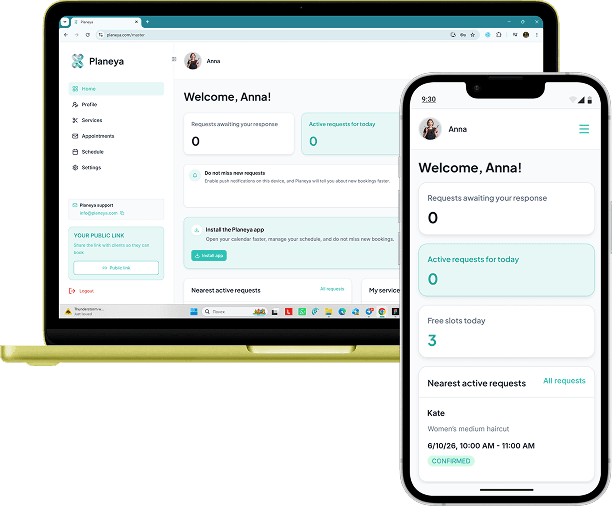
On your phone and computer
Planeya works in the browser on iPhone, Android, and your computer. Start using it right away, with no installation needed.
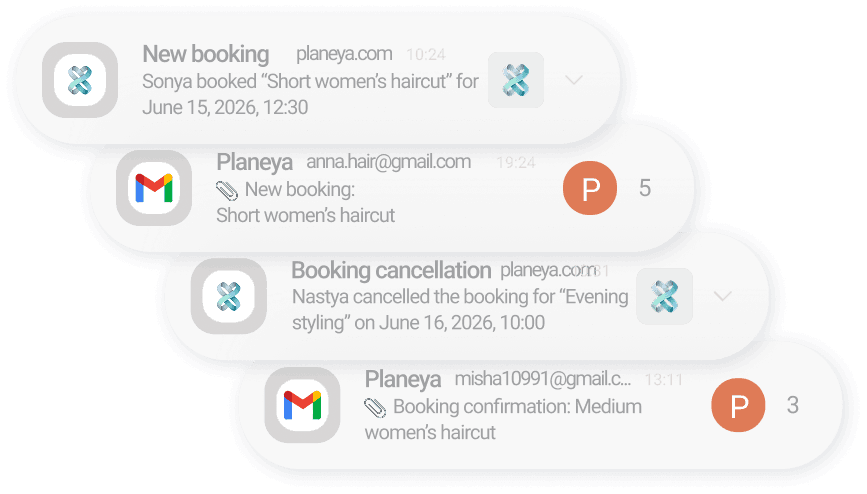
Email and browser push
Professionals can receive email and browser push for new requests and client cancellations. Clients receive status emails after confirmation, decline, or cancellation.
4 steps from your page to a managed request
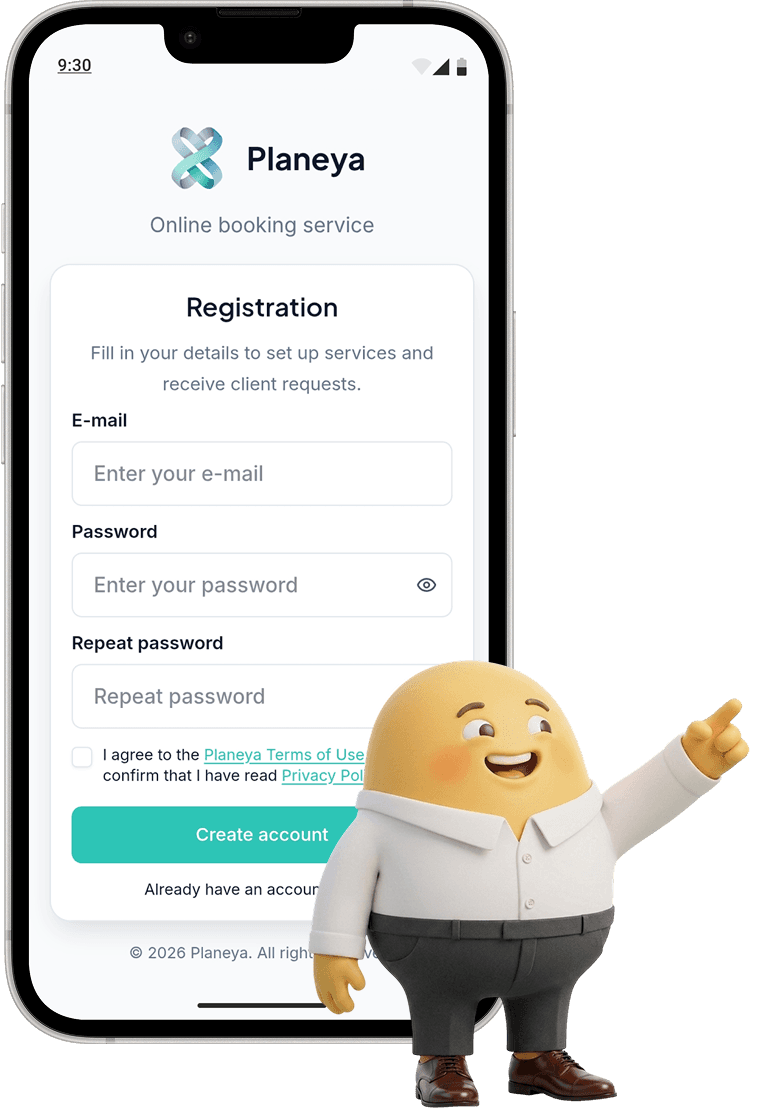
Quick registration
Add services, prices, duration, and description.
Schedule setup
Open available slots so clients only see time that can be booked.
Receiving requests
The client sends a request, and the professional sees it in the dashboard and can turn on notifications.
Booking confirmation
Change statuses and keep the schedule under control.
Start receiving requests
without chaos today
Join Planeya. Fill out your profile, add services
and start receiving requests without extra messaging.